

Import your connections
1
Open the importer
File > Import from Other App…
2
Pick your current client
TablePlus, Sequel Ace, DBeaver, DataGrip and Beekeeper Studio are read in place. Navicat is the exception: export first with File > Export Connections in Navicat, with Export Password turned on, then point TablePro at the
.ncx file.3
Review and import
Deselect anything you do not want, resolve duplicates, click Import.
4
Open one before you delete the old app
Connect to a connection that had a password. That is the only check that proves the credential came across, and deleting the source app is the one step you cannot undo.
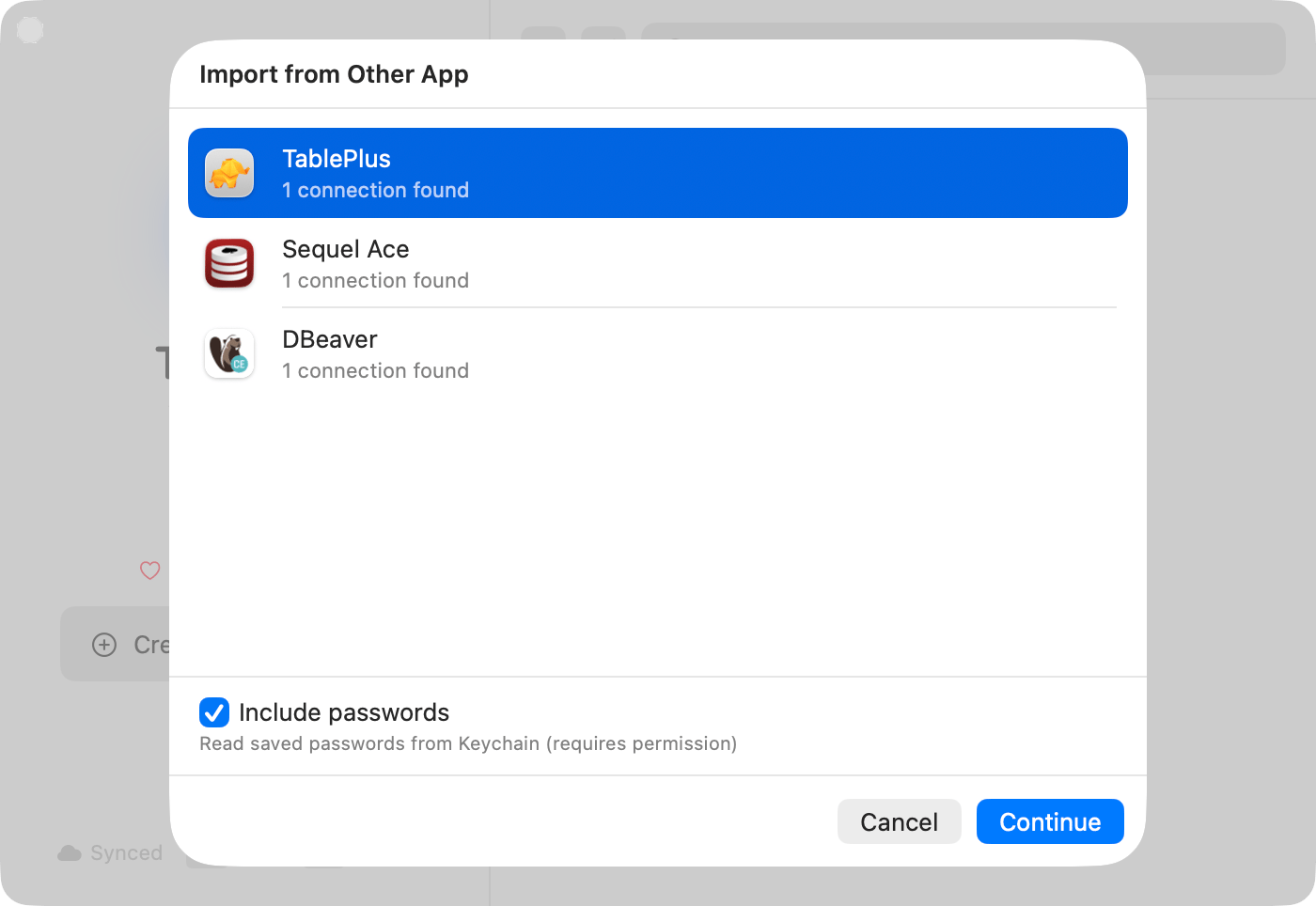
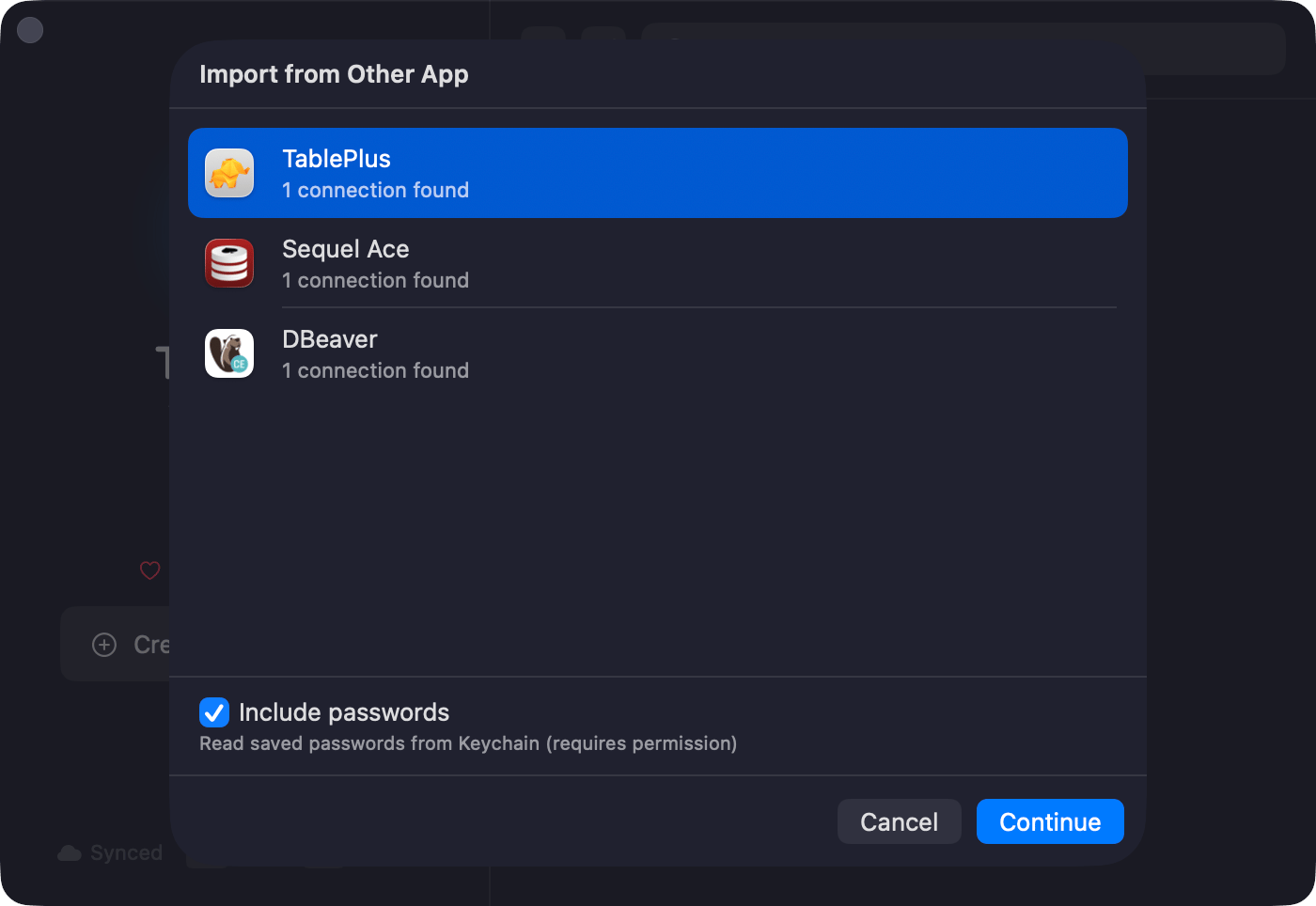
Pick the client you're coming from
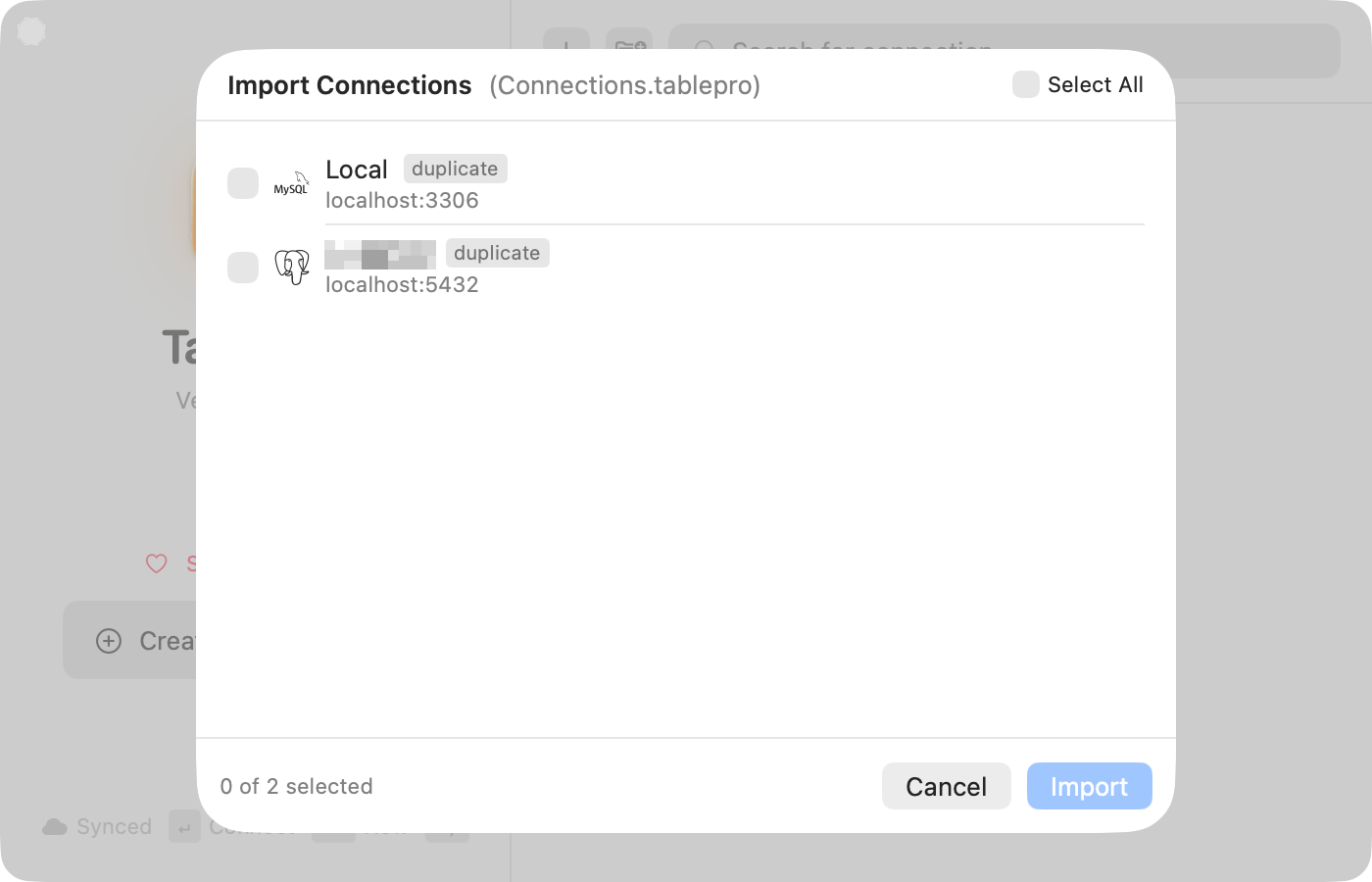
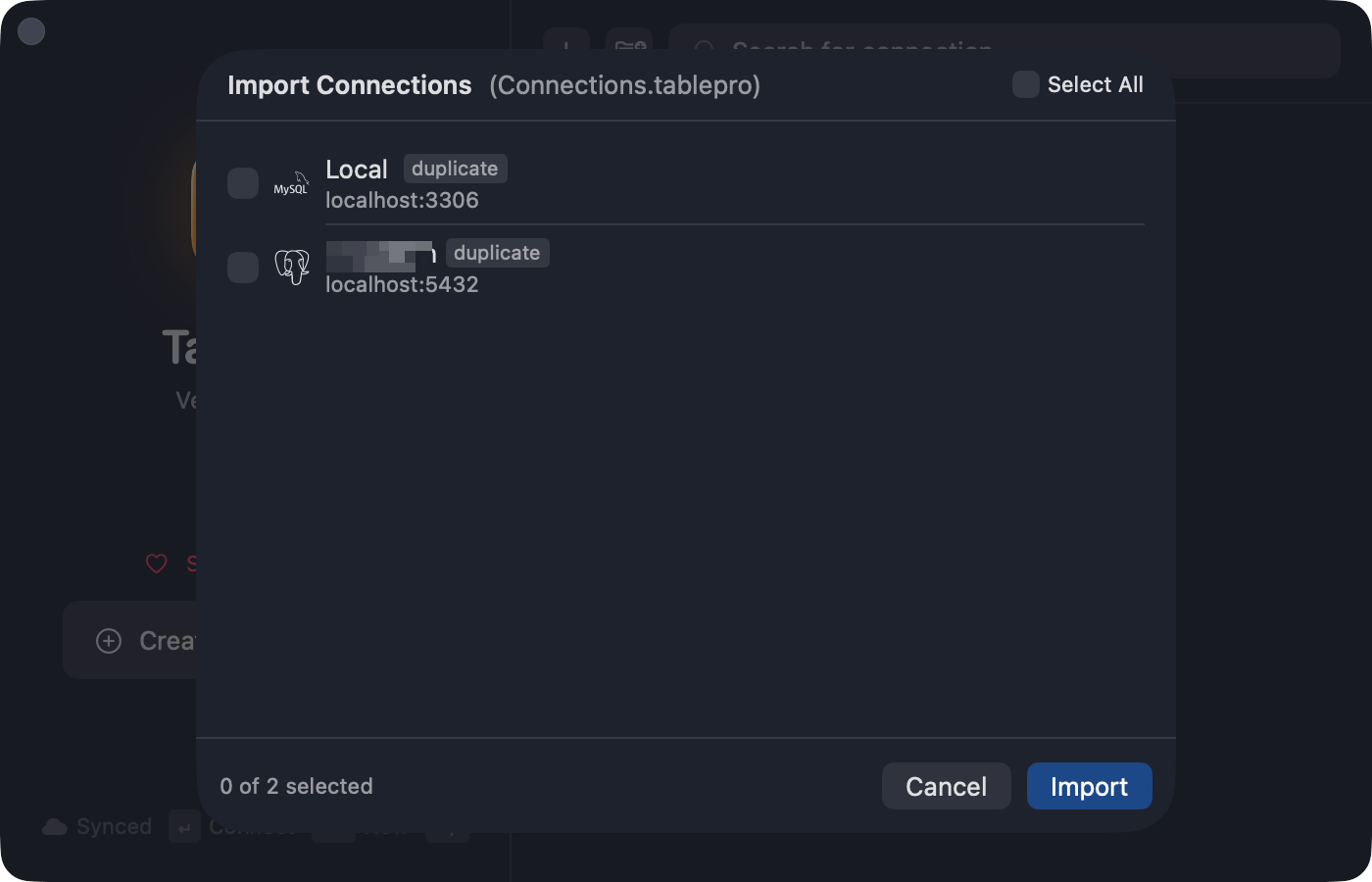
Review before anything is saved
About passwords
A DataGrip project protected by a master password cannot be read at all. Import those connections and set their passwords in TablePro.
What does not come across
Getting your shortcuts back
TablePro follows macOS conventions, so a good number of chords already match whatever you were using:Cmd+N, Cmd+W, Cmd+S, Cmd+O, Cmd+Q, Cmd+F, and Cmd+Enter to run a query.
Where yours differ, rebind them in Settings > Keyboard (Cmd+,). Record the chord you are used to and TablePro warns you if something else already claims it.
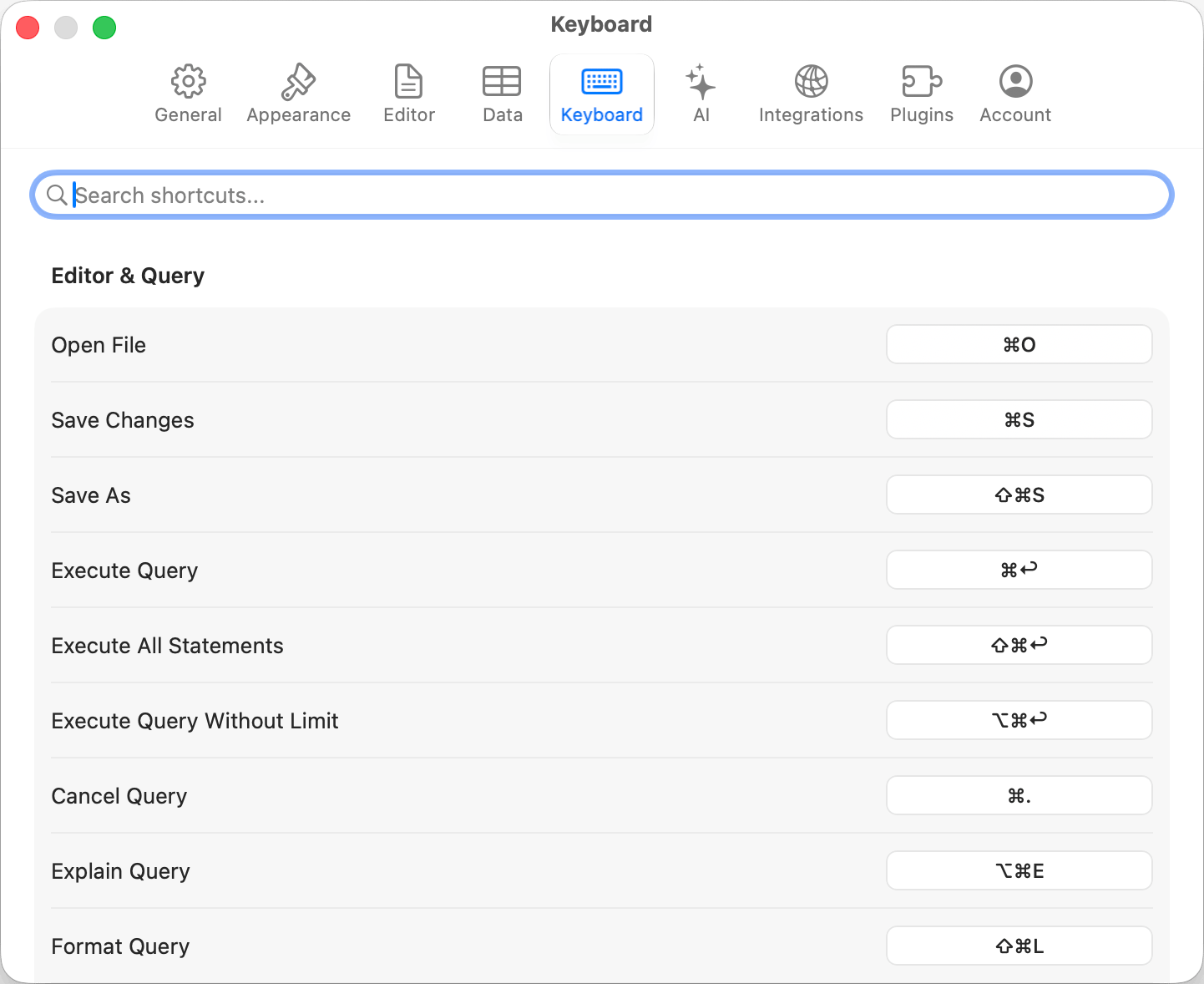
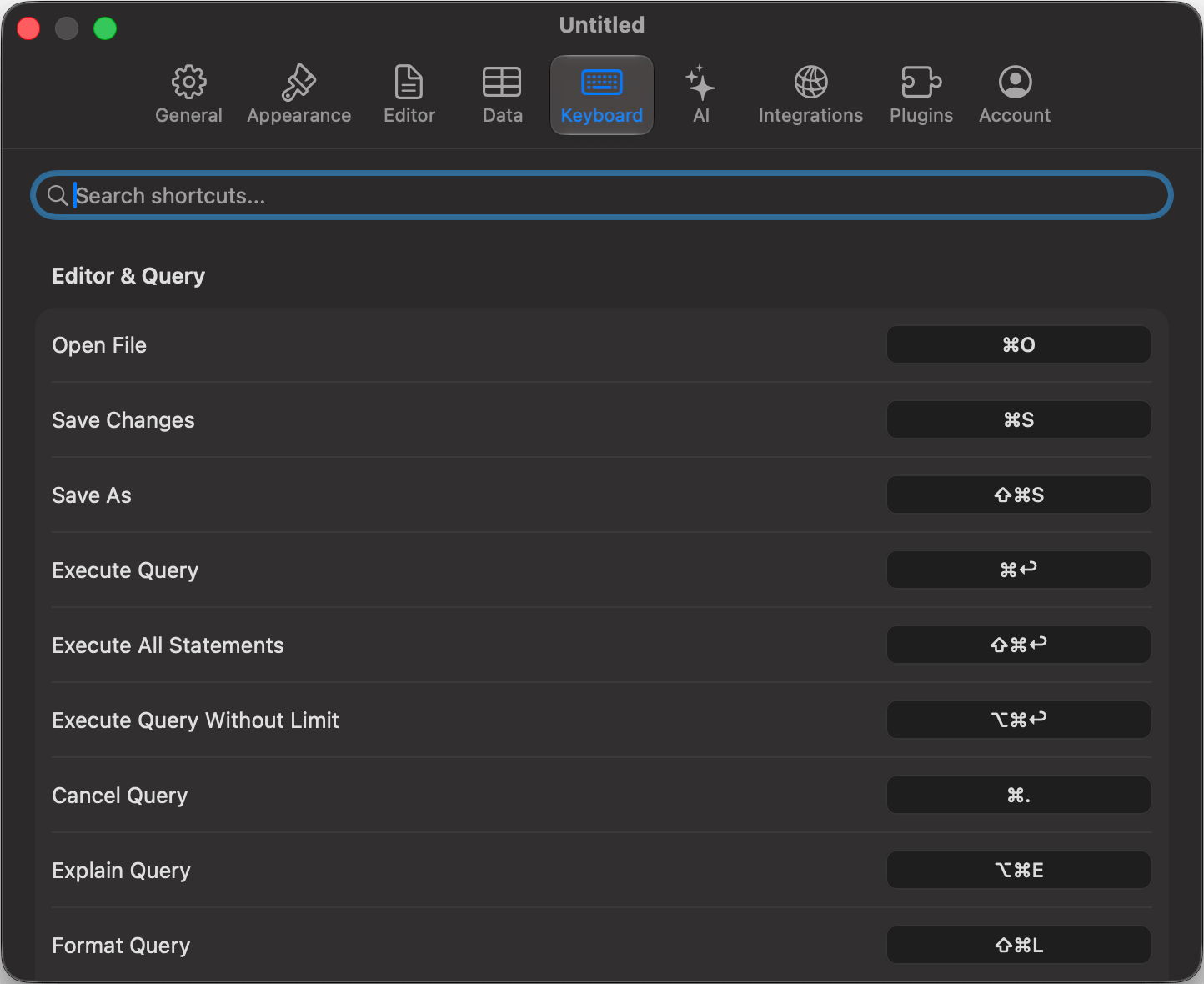
Settings > Keyboard, where every rebindable shortcut lives
A few cannot be reassigned, so learn them rather than fight them: editor built-ins such as
Cmd+/ for comment, Cmd+[ and Cmd+] for indent, tab selection Cmd+1 through Cmd+9, and text size Cmd+= and Cmd+-. The recorder tells you when you hit one.
Coming from TablePlus, where Cmd+F opens the row filter? Rebind Toggle Filters to Cmd+F in Settings > Keyboard and choose Reassign when it asks. Find gives up Cmd+F while the filter bar holds it, and takes it back if you move the filter bar off again.
If you use Vim bindings, turn on Vim Mode in Settings > Editor and most of this section stops mattering.
The full list is in Keyboard Shortcuts.
Coming from a client TablePro cannot import
Two other routes exist. A connection URL. Add from Existing > Import from URL takes apostgres://, mysql:// or similar URL and fills in the form. Fastest path when you only have a handful of connections.
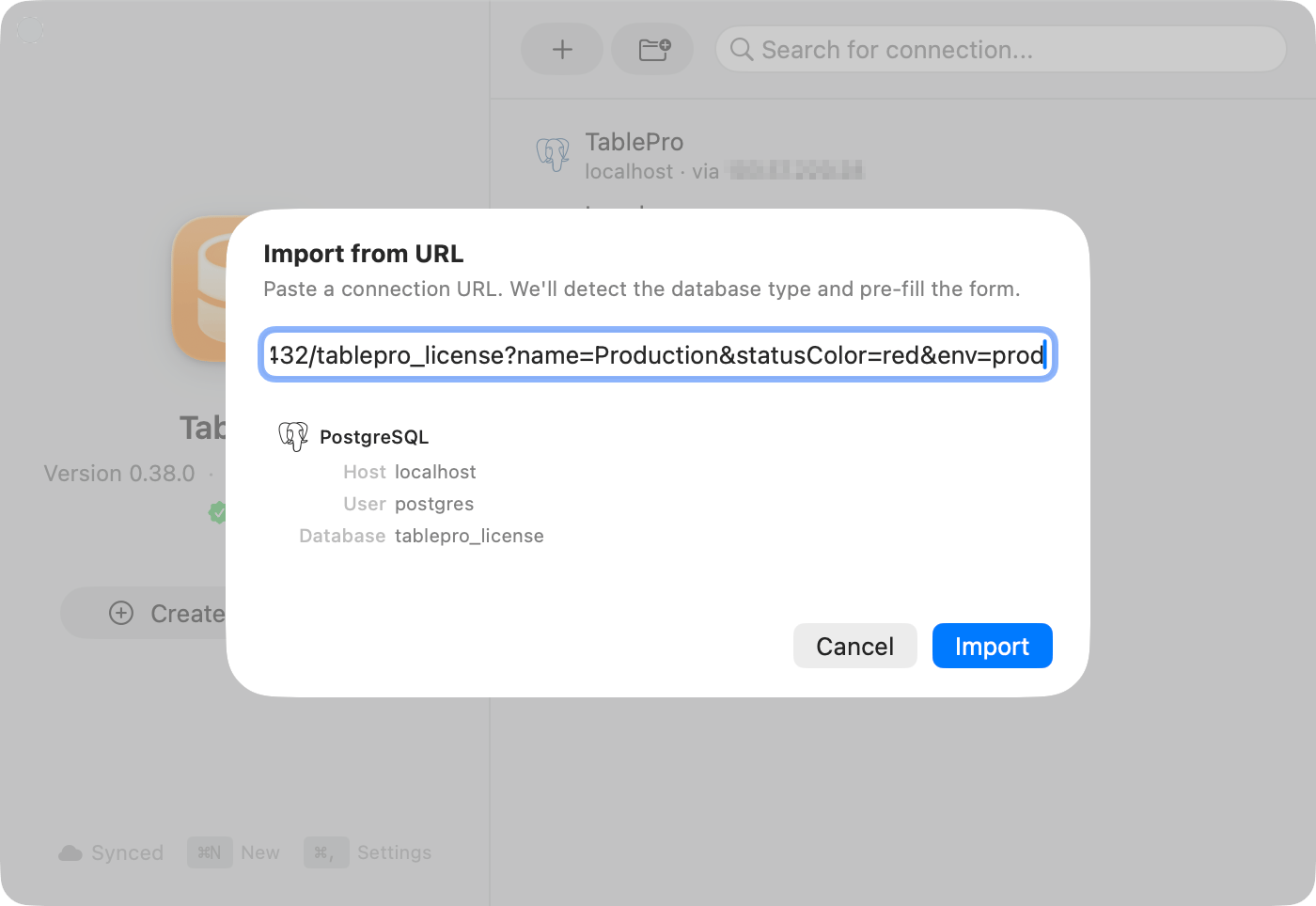
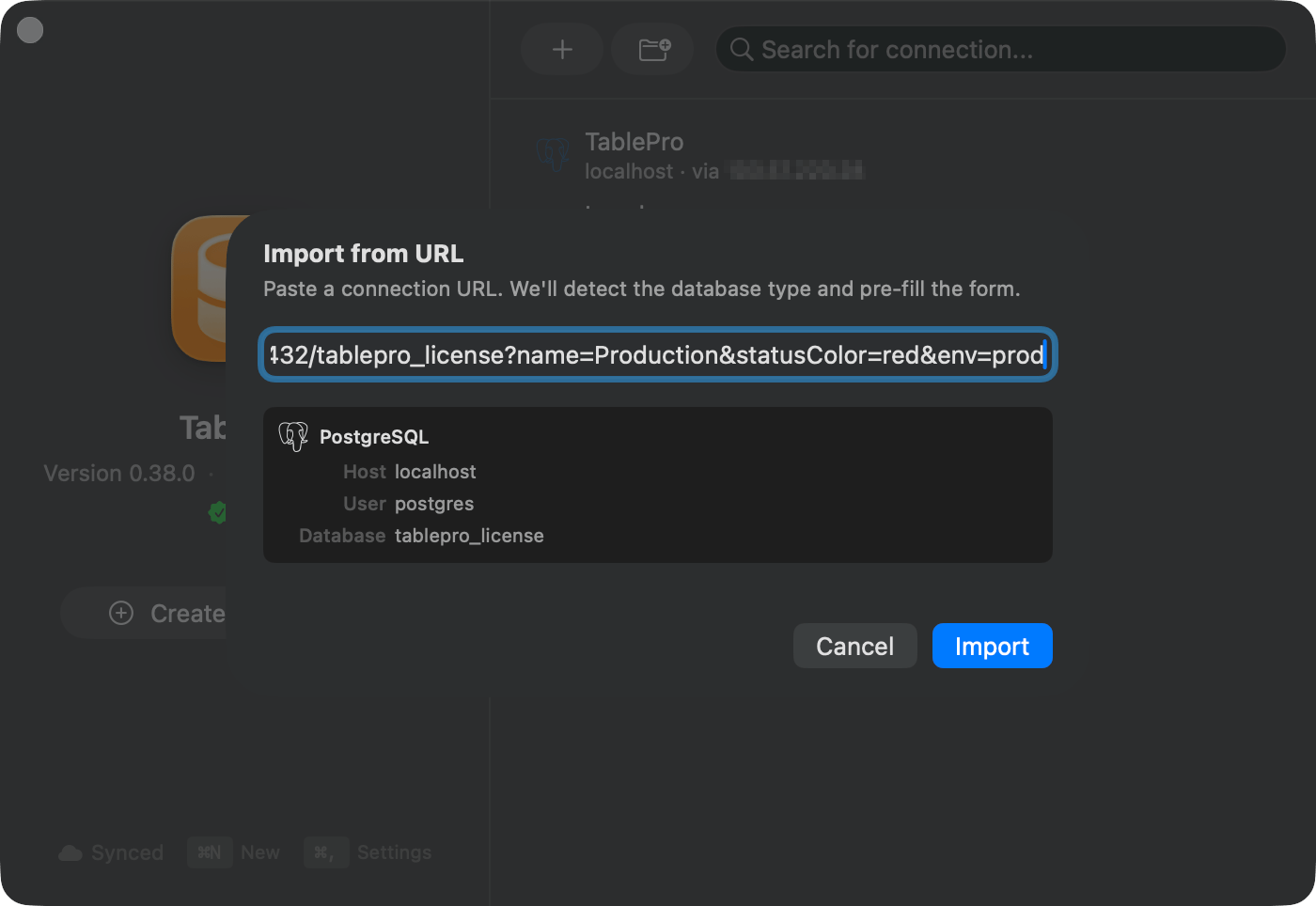
Import from URL
.env, docker-compose.yml or framework config becomes a connection without you typing a host.
If your database is not supported yet
A database missing from the connection form may still be one click away in Settings > Plugins > Browse.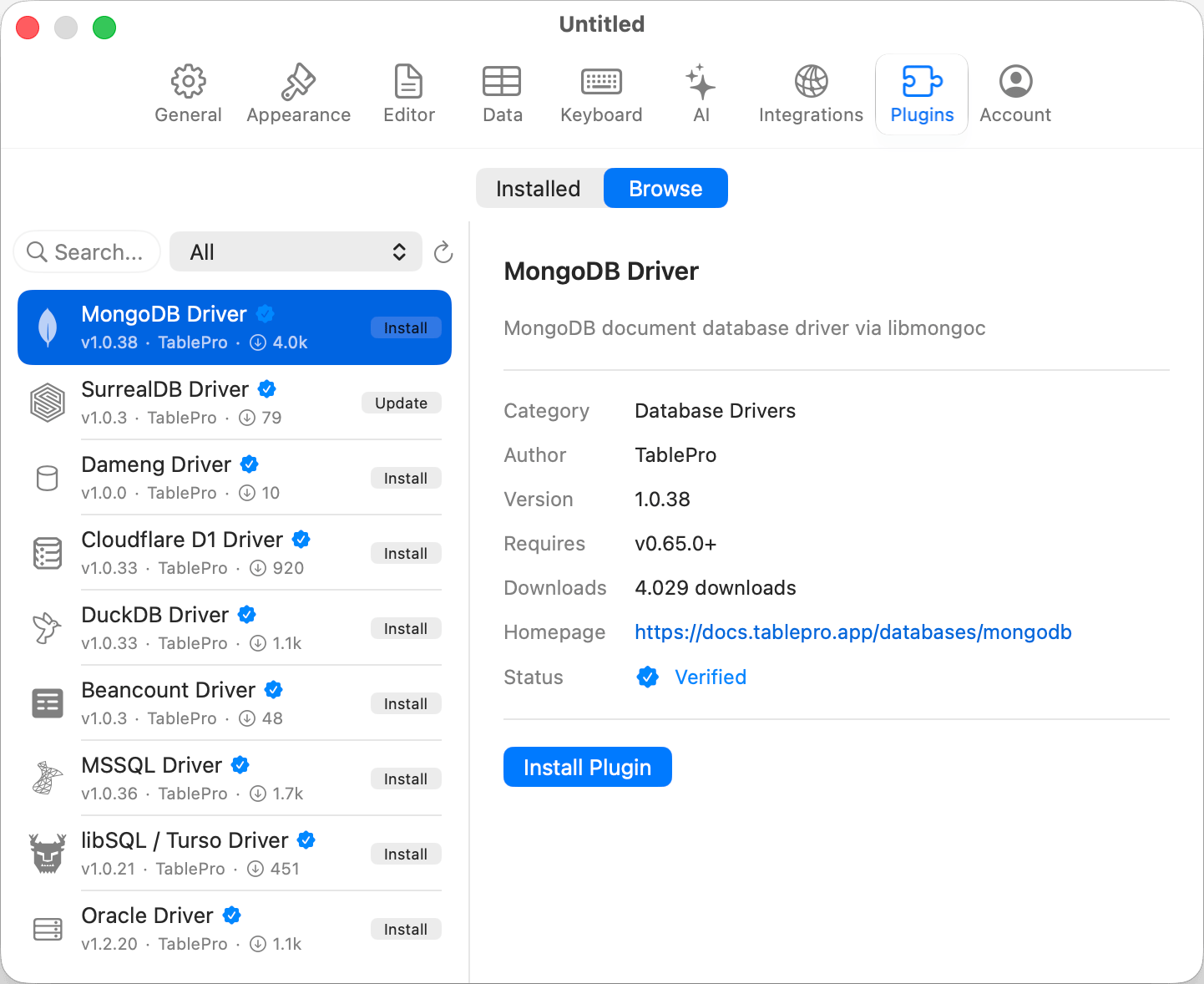
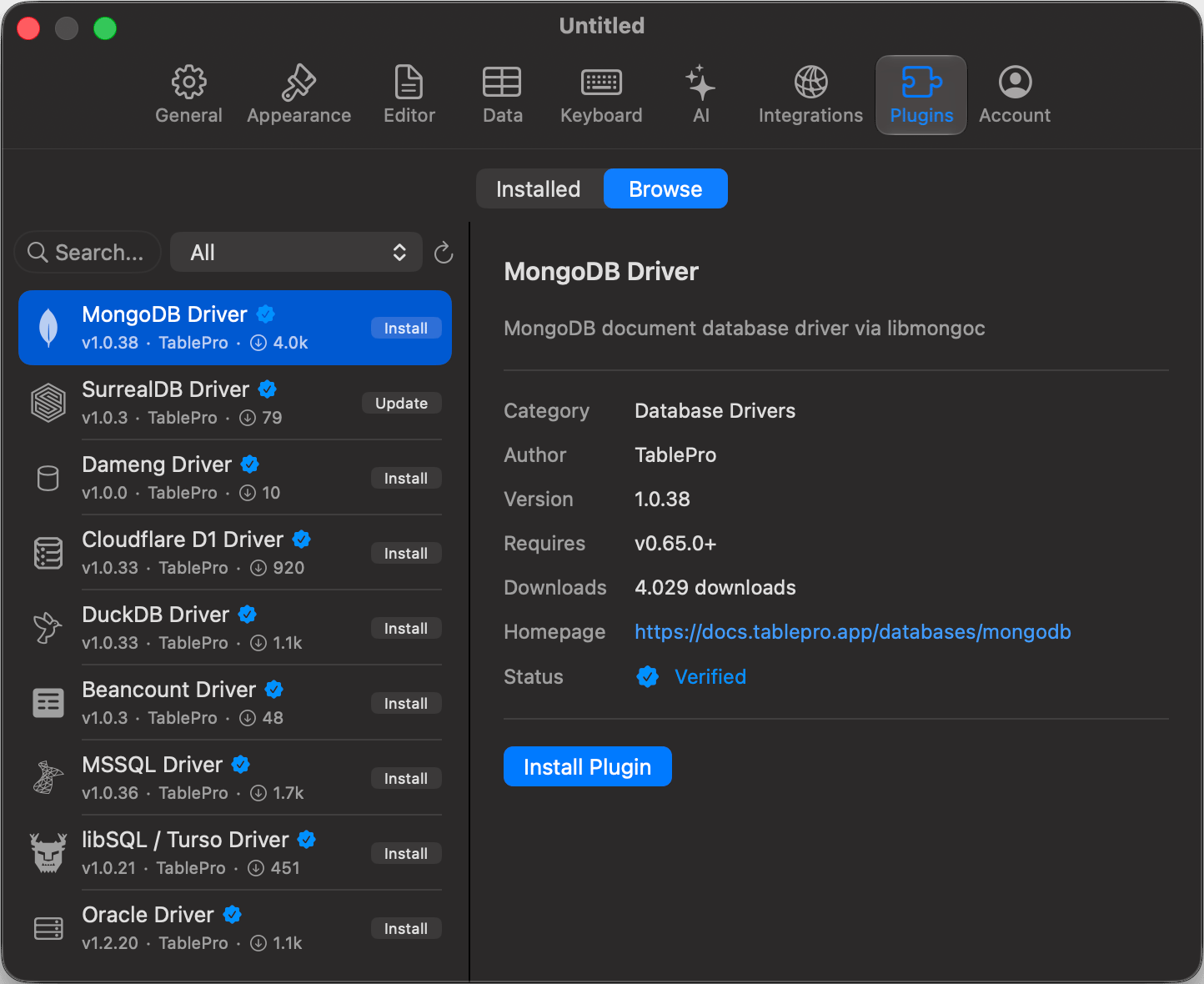
Settings > Plugins > Browse